What Does Spam Mean on Instagram? How to Spot and Handle It
Learn what Instagram considers spam, how spam differs from criticism, and when to hide, report, restrict, block, or simply reply.

On Instagram, spam is repetitive, unwanted, deceptive, or artificially generated activity that tries to manipulate engagement or push people into an unsolicited action. Common examples include repeated promotional comments, fake giveaway messages, impersonation, phishing links, mass follow or like schemes, and repeated commercial contact without consent.
Instagram's Community Guidelines specifically discourage artificially collecting likes, followers, or shares; posting repetitive comments or content; and repeatedly contacting people for commercial purposes without their consent. A comment does not become spam merely because it is negative, inconvenient, or posted more than once by a customer who still needs help.
That distinction matters. The correct response to spam may be to hide, report, restrict, or block. The correct response to legitimate criticism is usually to acknowledge it and resolve the underlying problem.
Common types of Instagram spam
Repetitive promotional comments
These comments advertise an unrelated product, account, service, or investment under many posts. They often reuse the same wording, tags, emojis, or contact instructions.
One relevant recommendation from a real customer is not automatically spam. Look for repetition, lack of relevance, coordinated posting, and an unsolicited commercial purpose.
Phishing and impersonation
A fake brand, employee, creator, or support account may tell people they won a prize, need to verify an account, or must click a link. The goal is often to collect credentials, payment, or personal information.
Treat suspected impersonation as a safety issue, not just clutter. Preserve the username, link, screenshot, and affected post before reporting or removing the content. If customers may have acted on it, use an approved warning and incident process.
Fake engagement offers
“Follow for follow,” paid likes, comment pods, and offers to sell followers attempt to manufacture engagement rather than create a genuine interaction. Instagram's guidelines explicitly address artificial collection of likes, followers, and shares.
These offers can arrive as comments or direct-message requests. Avoid clicking links or moving the conversation to another messaging app.
Repeated or automated replies
An account may paste the same vague response under many posts, tag unrelated users, or flood a thread with emoji. Repetition is a useful signal, but it is not proof by itself. A customer may repeat a question because the first comment was never answered, and a campaign may legitimately invite many people to use the same keyword.
Review the context: who initiated the interaction, whether the comment is relevant to the post, whether it is solicited by the campaign, and whether the account is trying to redirect people elsewhere.
Scam and unsolicited message requests
Spam is not limited to public comments. Message requests can contain fake support offers, counterfeit collaboration invitations, malware, or pressure to send money. Instagram provides a hidden-requests area for messages that may be offensive, unwanted, spam, or matched by Hidden Words preferences.
Do not treat every unfamiliar collaboration request as a scam. Verify the sender, domain, offer, and requested action through an independent channel before sharing information.
Spam, criticism, or just an irrelevant comment?
Use the comment's behavior and intent—not sentiment alone.
| Signal | More likely spam | More likely legitimate engagement |
|---|---|---|
| Relevance | Unrelated promotion copied across posts | Specific to the product, post, order, or campaign |
| Requested action | Click a suspicious link, send money, or contact an unknown account | Answer a question, fix a problem, or explain a policy |
| Repetition | Identical message from one or many accounts | Follow-up because the earlier question remains unresolved |
| Identity | Impersonates a brand or support agent | Account history and context are consistent with the person |
| Commercial consent | Unsolicited mass promotion | Response to a campaign that invited a keyword or inquiry |
| Risk | Phishing, fraud, malware, or fake prize | Complaint, disagreement, or low-risk off-topic remark |
A harsh complaint can still be genuine. Hiding it as “spam” may conceal a support problem and make the customer more frustrated. Conversely, a friendly-looking “collaboration” comment can be a phishing attempt. The content, account, destination, and pattern matter more than tone.
What to do when you see spam on Instagram
1. Avoid the link or requested action
Do not click an unknown link, download a file, send a code, or move to an unfamiliar payment route. If the message claims to come from a company or person you know, verify it through the official website or an existing trusted contact.
2. Preserve evidence when there may be harm
Take a screenshot and record the account, URL, time, post, and requested action before the content disappears. This is especially useful for impersonation, threats, coordinated scams, or a case that another team needs to investigate.
Do not collect more personal information than the incident process requires.
3. Choose the least restrictive effective action
Instagram offers several different controls:
- Hide: Instagram's current guidance says a manually hidden comment on your post is visible to you and the commenter but not to other people; the commenter is not told that it was hidden.
- Report: Use this when a comment may violate Instagram's rules, including spam, hateful conduct, or false information. Reporting a comment does not guarantee that Instagram will remove it.
- Restrict: New comments from a restricted account are initially visible only to that person; you can view, approve, delete, or ignore them.
- Block: Use this when preventing further interaction from the account is justified.
- Delete: Remove a comment on your own post when keeping it available creates unnecessary risk or no reversible option is suitable.
The exact labels and availability can change. Check Instagram's current Hidden Words and comment-hiding guidance, comment reporting instructions, and restriction behavior before documenting your team's procedure.
4. Warn customers when an impersonator creates risk
If a fake account is targeting people under your post, removing one comment may not be enough. Follow your incident process, report the account, and consider a clear warning from the verified brand account. Never ask customers to post passwords, codes, order details, or payment information publicly.
5. Record and improve the rule
For a business account, record why the comment was classified as spam and whether the action was later reversed. A repeated domain or phrase may justify a narrow filter. A legitimate comment caught by a filter is evidence that the rule is too broad.
How Instagram's spam filters work for account owners
Instagram's Hidden Words settings can automatically hide comments containing common offensive language and can use advanced filtering for more comments that may be spam or offensive. Account owners can also add custom words, phrases, numbers, and emojis.
Keyword filtering is helpful for stable scam phrases, repeated domains, and unambiguous abuse. It is risky when a word also appears in product questions or complaints. For example, blocking the word “fake” might catch a scam promotion, but it could also hide a customer reporting a counterfeit seller.
Test a custom list against real historical comments. Include a matching example, a near match, and a legitimate comment that uses the same word in a different context. Review hidden comments regularly rather than assuming every match is correct.
Managing spam at business scale
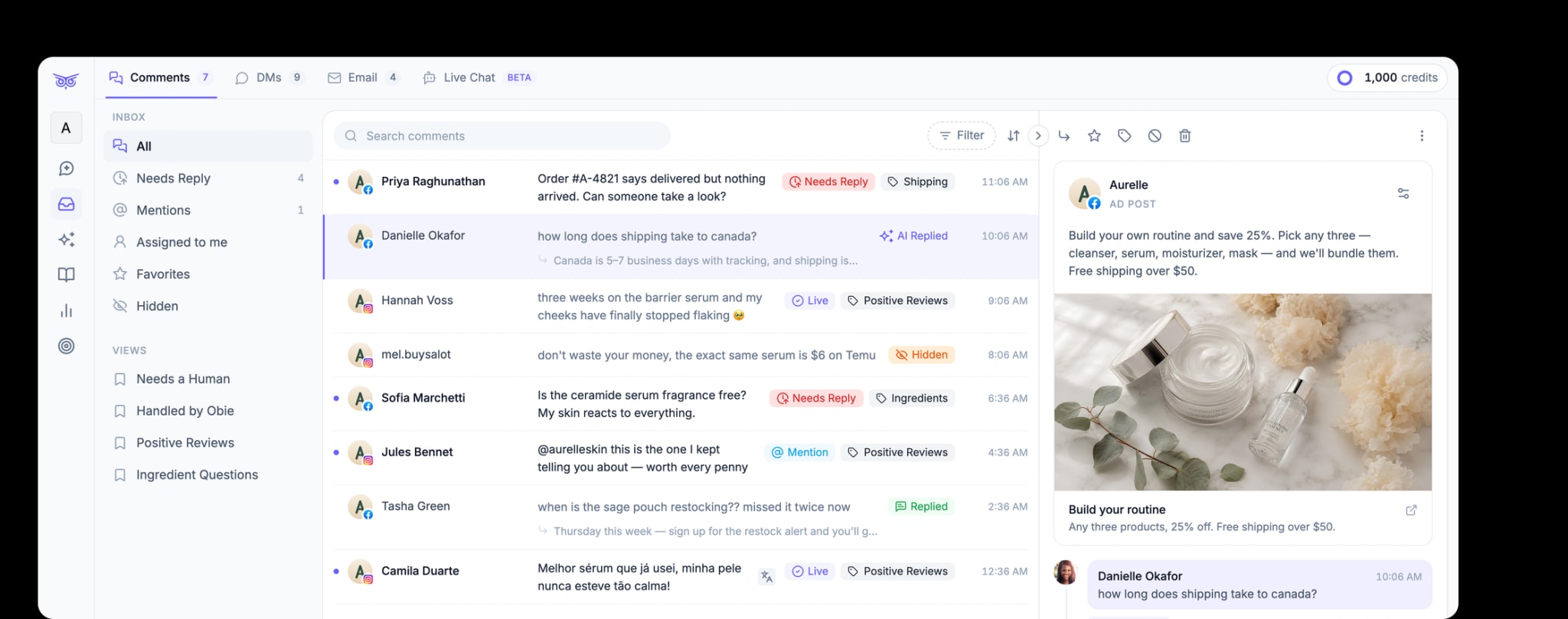
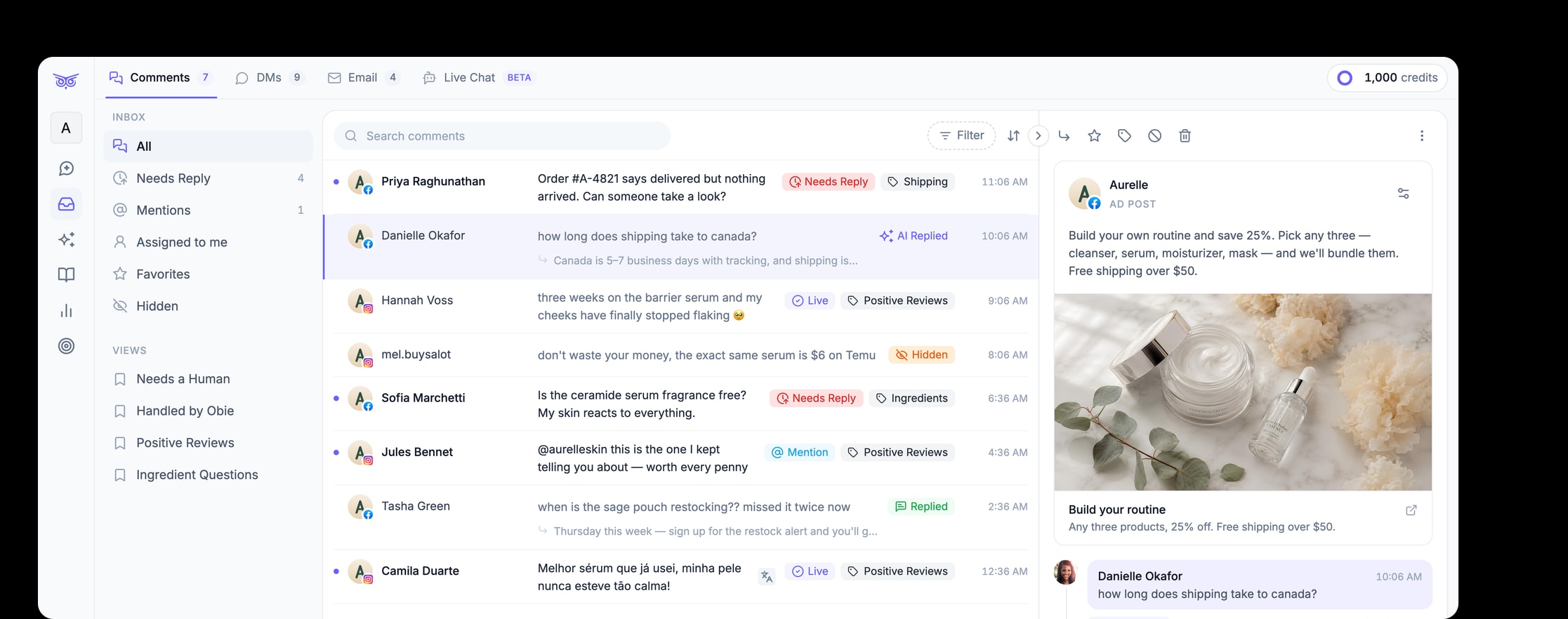
When a brand receives comments across ads, organic posts, and several social channels, the hard part is not finding a hide button. It is applying the same policy without burying genuine questions.
A scalable workflow should:
- separate spam, abuse, criticism, FAQs, and support requests;
- apply narrow automatic rules to high-confidence spam;
- send uncertain or sensitive comments to a person;
- preserve public answers when they help other customers;
- route private order or account details away from the comment thread; and
- review false hides and missed spam to improve the policy.
Brandwise can moderate comments on paid and organic social posts, hide spam or harmful and off-brand comments, respond to engagement, and keep people involved for complex or sensitive work. Configure those actions only after the team has decided what counts as spam, what deserves a response, and what requires escalation. Explore Brandwise social media management.
A quick Instagram spam decision checklist
Before acting, ask:
- Is the comment relevant to the post or an invited campaign action?
- Is it repetitive, unsolicited, deceptive, or trying to manipulate engagement?
- Does it request a risky click, payment, credential, or move to an unknown account?
- Could it be a real customer repeating an unresolved issue?
- Is a reversible hide or review action sufficient?
- Does the case require evidence, reporting, or a specialist escalation?
Spam is a behavior pattern, not a synonym for negativity. Use platform rules and account-level patterns to identify it, then choose the narrowest action that protects people without erasing legitimate customer feedback.