What Happens When You Hide a Comment on Instagram?
See who can view a hidden Instagram comment, whether the commenter is notified, and when hiding is better than deleting, reporting, or restricting.

When you manually hide a comment on your own Instagram post, Instagram's current guidance says the comment remains visible to you and the person who wrote it, but other people cannot see it. The commenter is not notified that the comment was hidden, and the hidden comment still counts toward the post's total comment count.
Hiding is therefore quieter and more reversible than deleting. It can be useful for suspected spam, scams, abuse, or a comment that needs review. It should not be the default response to ordinary criticism or a customer asking for help.
Who can see a hidden Instagram comment?
For a comment you manually hide on your own post:
- You can see it. The account owner can view the hidden comment and unhide it later.
- The commenter can see it. The person who wrote it can still see their comment.
- Other people cannot see it. Instagram says the comment is hidden from everyone else.
- The commenter is not told. Instagram does not send the person a notice that you hid the comment.
- It remains in the count. Hiding does not necessarily reduce the total comment number displayed on the post.
These details come from Instagram's current Hidden Words and comment-hiding documentation. Platform behavior and interface labels can change, so verify the source again if your moderation policy depends on a specific visibility rule.
Does the person know you hid their comment?
Instagram says the person is not notified. Because the comment remains visible to the person who wrote it, they may believe it is still public unless they check from another account.
That behavior can prevent a spammer or abusive commenter from immediately reposting. It is not a reason to hide legitimate criticism without responding. A customer may notice that nobody else can see or engage with the comment, and silent suppression can escalate a support problem.
If the comment describes a real issue, answer what you safely can in public and move only the customer-specific details to a private support route.
Hide vs. delete vs. report vs. restrict
The right action depends on risk and intent.
| Action | What it does | Best used when | Main tradeoff |
|---|---|---|---|
| Hide | Keeps the comment visible to you and its author but not other people | Suspected spam, abuse, or content awaiting review | The content still exists and the author can see it |
| Delete | Removes a comment from your post | The content should not remain and no reversible hold is appropriate | You lose the easiest in-product path to restore it |
| Report | Sends a potential rules violation to Instagram for review | Spam, impersonation, hate, threats, or other possible guideline violations | Reporting does not guarantee removal |
| Restrict | Makes a restricted person's new comments initially visible only to that person unless you approve them | Repeat unwanted interaction where account-level control is useful | It applies to the account's future interactions, not just one comment |
| Reply | Leaves the comment public and addresses it | A real question, constructive criticism, or support issue | The team must follow through on the promised next step |
Instagram documents that a reported comment may no longer appear to the reporter, but that does not mean Instagram removed it. Instagram also says a restricted person's new comments are initially visible only to that person; the account owner can view, approve, delete, or ignore them. Review the current reporting instructions and restriction behavior before choosing an account-level action.
How to hide and unhide a comment
Instagram's documented mobile flow is:
- Open your post in the Instagram app.
- Find the comment you want to hide.
- Tap Hide below the comment.
To reverse the action:
- Open the post with the hidden comment.
- Choose View hidden comments near the bottom of the comments section.
- Tap Unhide below the comment.
Instagram says manual hiding applies to comments on your own posts. If the control is not visible, check that you are using the correct account, post, app version, and permissions. Do not rely on an old screenshot when writing a team procedure; interface labels and availability may vary.
What about comments hidden by Instagram filters?
Instagram's Hidden Words settings can automatically hide comments containing common offensive words, phrases, or emojis. Advanced filtering can hide more comments that may be spam or contain offensive language. Account owners can also create a custom list of words, phrases, numbers, and emojis.
Automatic filtering is different from manually choosing one comment. A broad custom keyword can affect many future comments, including legitimate ones. For example, a beauty brand that blocks “fake” might catch scam promotions, but it could also hide a customer warning about a counterfeit seller.
Before enabling a word or phrase:
- test a clear match;
- test a common misspelling or variation;
- test a legitimate sentence that uses the same term;
- decide who reviews hidden comments; and
- document how an incorrect hide is reversed.
When a business should hide a comment
Hiding is usually reasonable when the comment contains or promotes:
- a phishing or impersonation attempt;
- repeated unsolicited promotion;
- a scam link or fake giveaway claim;
- targeted harassment, slurs, or explicit abuse;
- dangerous or sensitive content that needs specialist review; or
- a known spam pattern covered by the moderation policy.
Context still matters. A link in a customer comment could be spam, evidence of a counterfeit listing, or a relevant help resource. A negative phrase could be abuse or a legitimate complaint. Review the account, post, thread, repetition pattern, and requested action instead of making sentiment the only signal.
When not to hide a comment
Do not hide a comment merely because it:
- criticizes the product or company;
- asks a difficult question;
- reports a late order or poor experience;
- disagrees with the post;
- uses a word that sounds negative without violating the policy; or
- would be inconvenient for other customers to read.
If the issue is genuine, a public acknowledgement and a clear private handoff often serve the customer better. Ask for order numbers, email addresses, or other identifying information only in an approved private channel—not in the public thread.
A simple moderation decision
Before hiding an Instagram comment, ask:
- Does the content violate a documented brand or platform rule?
- Is the evidence strong enough to act, or should a person review it first?
- Would a public reply solve a legitimate customer problem?
- Does the case need reporting, restriction, or a specialist escalation as well?
- Can the team explain and reverse the decision later?
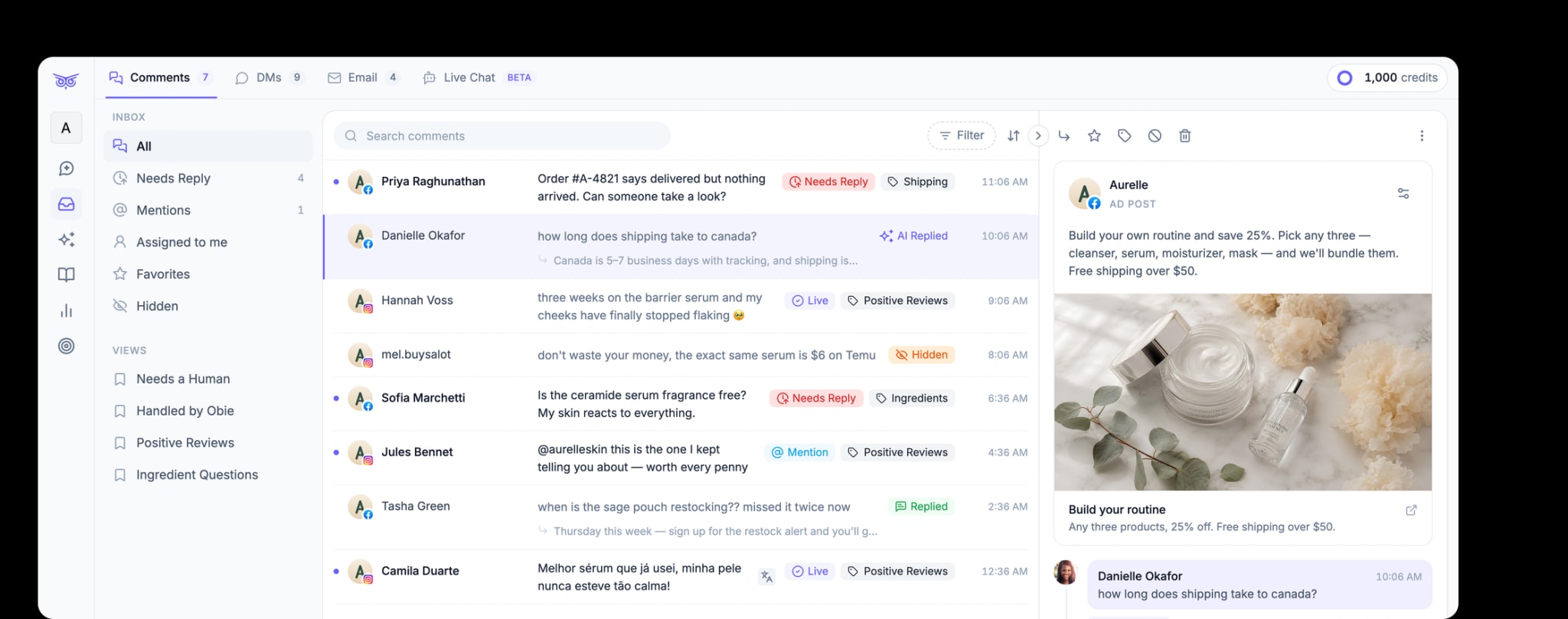
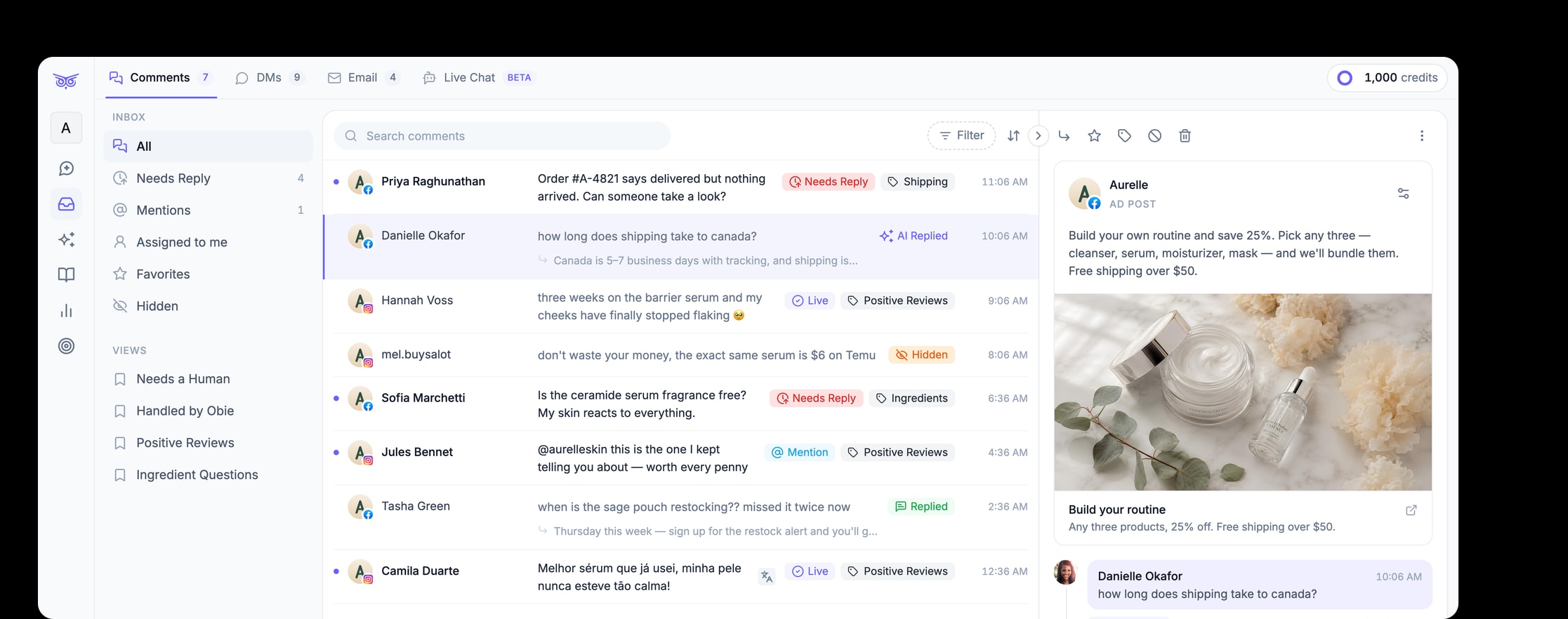
For occasional comments, Instagram's native controls may be enough. For teams managing higher volumes across paid and organic social posts, Brandwise can moderate comments, hide spam or harmful and off-brand comments, respond to engagement, and keep people involved for sensitive work. Explore Brandwise social media management.
The key distinction is simple: hiding changes who can see the comment; it does not resolve the underlying customer issue. Use it for a defined moderation reason, not as a substitute for support.