Partnership Ads vs. Whitelisting: What's the Difference?
Whitelisting, allowlisting, partnership ads, branded content ads, and Spark Ads explained: how they differ, which to use, and who controls the comments.
Whitelisting, also called allowlisting, is the industry term for a creator letting a brand run ads from the creator's handle. Partnership ads are Meta's official format for doing that on Instagram and Facebook: the ad carries a Paid partnership label, can feature the creator's account in its header, and runs on permissions the creator grants and can revoke at any time. Meta used to call them branded content ads, and TikTok's equivalent is Spark Ads.
Is whitelisting the same as partnership ads?
Mostly, yes. They are not rival products. Whitelisting is the older, informal name for the idea, and partnership ads are how Meta supports it today. When a creator brief or agency proposal says "whitelisting" for Instagram or Facebook in 2026, it often means partnership ads with account-level permissions.
The differences that matter in practice are how permission is granted, what the creator can still control, and who handles the comments on the ad.
The names, decoded
| Term | What it means | Platform | Official product name? |
|---|---|---|---|
| Partnership ads | Ads an advertiser runs with a creator or other partner, featuring the partner's account | Instagram and Facebook | Yes, Meta's current name |
| Branded content ads | Meta's former name for partnership ads | Instagram and Facebook | Retired name |
| Whitelisting, influencer whitelisting | A creator gives a brand permission to run ads from the creator's handle | Any | No, an industry term |
| Allowlisting | A newer word for whitelisting | Any | No, an industry term |
| Spark Ads | Ads that run from a creator's TikTok post or account with the creator's authorization | TikTok | Yes, TikTok's name |
| Dark posts | Ads that run without appearing on the account's profile feed, common with whitelisted ads | Any | No, an industry term |
| Content licensing or usage rights | The brand pays to use a creator's content in ads from the brand's own account | Any | No, a contract term |
The last row is the one people mix up most. With usage rights, the ad comes from your account and the comments land on your account. With whitelisting, partnership ads, or Spark Ads, the ad runs from the creator's identity.
How whitelisting usually worked
Before Meta built a dedicated permission flow, whitelisting setups commonly worked through account access. The creator gave the brand, or its agency, access to their Facebook Page or Instagram account through Meta's business tools, and the brand ran ads from that identity in its own ad account.
That approach had real downsides: access was broad and hard to audit, setups varied by agency, and revoking access depended on someone remembering to do it. Platform-native permissions address those problems directly.
How Meta partnership ads work
Meta's partnership ad permissions come in two types.
Content-level permissions cover a specific post, story, or reel. The brand can boost a creator's existing content when the creator turns on the boost toggle and tags the brand in the Paid partnership label, or the creator can share a partnership ad code for a specific post.
Account-level permissions cover the relationship. Once a creator accepts the request, the brand can create partnership ads from the creator's handle without pre-existing content, run ads from any of the creator's existing posts that tag the brand, and include or exclude the creator's custom audience. Brands send these requests from Creator Marketing Hub in Meta Business Suite, and creators can accept them in Partnership Ads Hub, the Instagram app, or the Facebook app.
Either way, creators can revoke the permission at any time, and the ad can show the partner's account in its header. Instagram also says partnership ads use signals from both the creator's and the advertiser's accounts for ad ranking.
Partnership ads vs. whitelisting, side by side
| Traditional whitelisting | Meta partnership ads | |
|---|---|---|
| How permission is granted | Creator shares account or Page access | Creator accepts a content-level or account-level permission |
| Scope | Often the whole account | One post, or the creator's handle for ads only |
| Revoking | Remove the access manually | Creator can revoke in the app at any time |
| Disclosure in the ad | Depends on how the ad was set up | Paid partnership label |
| Ads without an existing post | Yes, with access | Yes, with account-level permissions |
| Creator's audience | Depends on access | Can include or exclude the creator's custom audience (account-level) |
| Comments on the ad | Whoever holds account access | Brand can hide, creator can unhide and delete |
Comment control is the row most guides skip, and it shapes your workload. On partnership ads, the brand can hide comments but can't delete them or reply on Instagram, and the creator can unhide what the brand hid. Our guide to managing comments on partnership ads covers the details and the native steps.
Are Spark Ads the same as partnership ads?
They solve the same problem on different platforms. Spark Ads let a brand run ads from a creator's TikTok post or account once the creator authorizes it, while partnership ads do the same on Instagram and Facebook through Meta's permissions. If a creator brief says "whitelisting" for TikTok, it usually means Spark Ads.
Comment control differs too. According to TikTok's comment management guide, advertisers can hide or unhide comments, block users, and hide comments in bulk in TikTok Ads Manager, but on Spark Ads that use an authorized account or post, only someone with access to that account or post can reply. On Meta partnership ads, the brand can hide comments one ad at a time and the creator can unhide them.
Which setup should you use?
- A single post for a single campaign: a content-level partnership ad, using the boost toggle or a partnership ad code.
- An ongoing creator program: account-level partnership ad permissions, so you can create ads from the creator's handle without asking for each post.
- Many creators at once, through a creator platform: account-level permissions, usually requested during the platform's creator onboarding. Decide before launch who moderates comments, because dozens of creator handles means dozens of separate comment threads.
- TikTok: Spark Ads, using the creator's authorization code or an authorized account.
- You want the content but not the creator's identity: usage rights, and run the ad from your own account.
What to agree with a creator before you launch
Whichever setup you use, settle these with each creator before the first ad runs:
- Permission type and duration. Content-level for one post, or account-level for the relationship, and for how long.
- Usage window and spend. How long you can run their content as ads, and whether the rate changes with spend or duration.
- Creative approvals. Whether you can edit or cut their content for ads, and who signs off.
- Disclosure. If a creator is paid or gets free product, the ad needs clear disclosure, and the FTC's guidance for influencers applies in the US. The Paid partnership label helps, but it doesn't replace your own compliance review.
- Who moderates the comments. On partnership ads the comments live on the creator's side, so agree who hides spam and answers buyers, and whether the creator will connect their account to your moderation tool.
Whatever you call it, the comments live on the creator's side
Every setup that runs ads from a creator's identity has the same side effect: the comments don't land in your inbox. They attach to the creator's post, your Page-level filters don't reliably cover them, and in Meta's partnership ads the only native moderation action a brand gets is hiding, one ad at a time in Ads Manager.
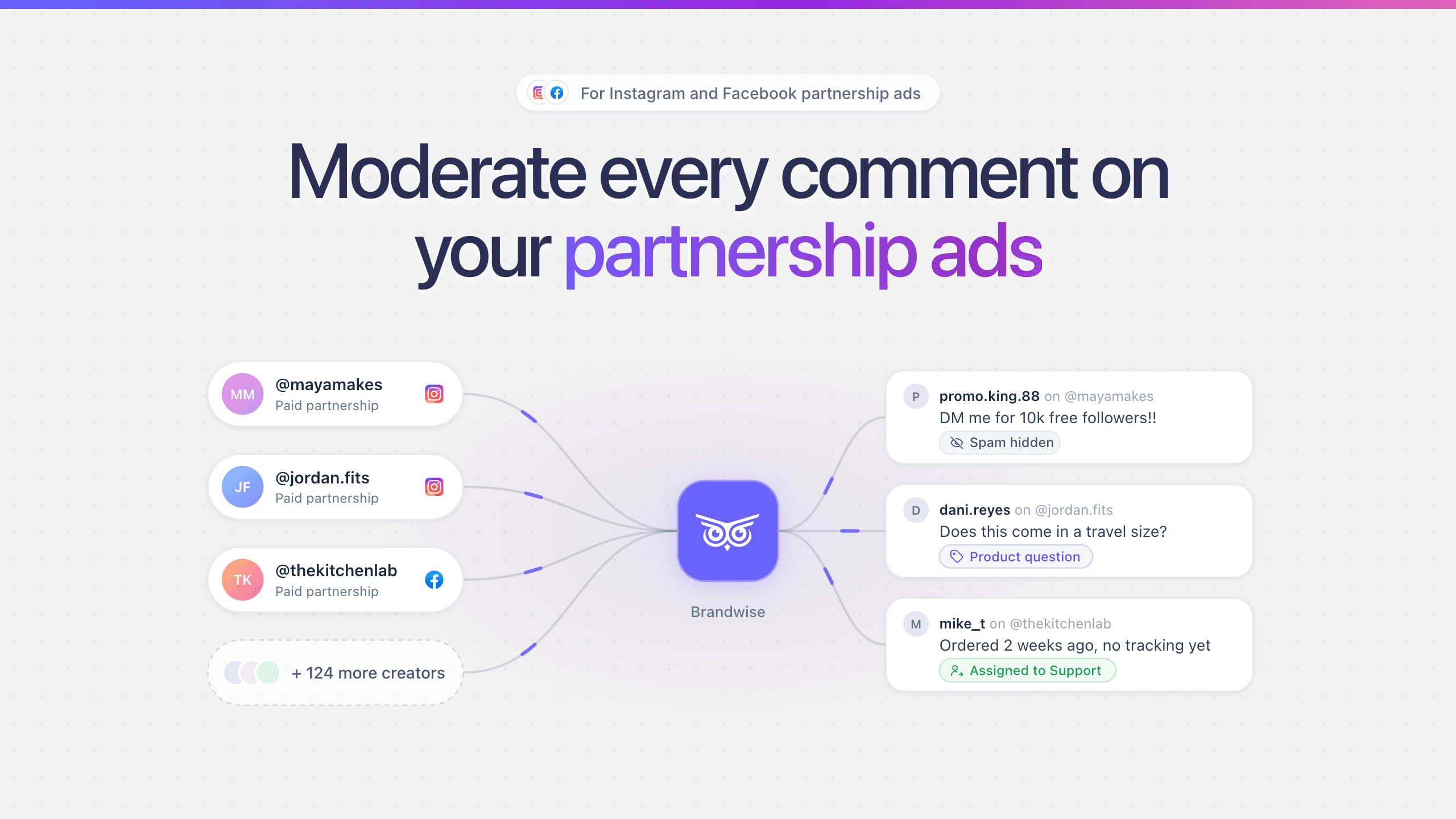
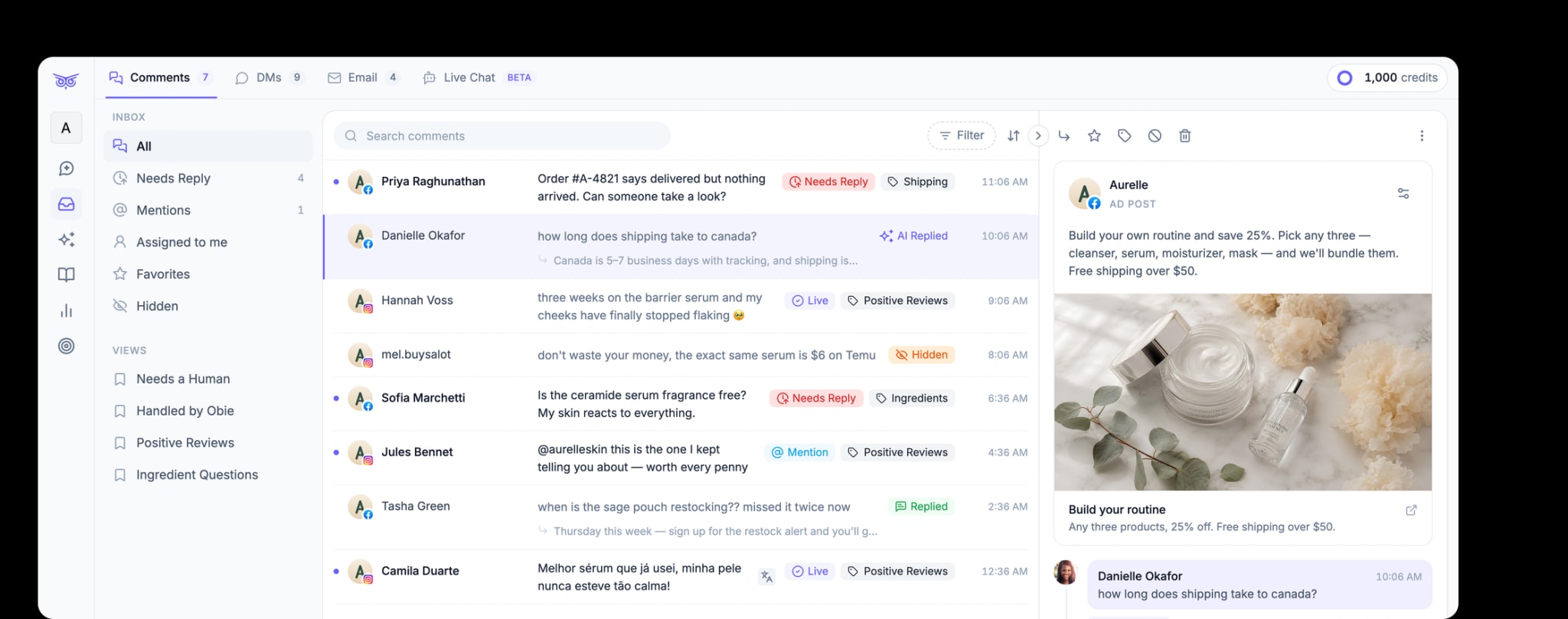
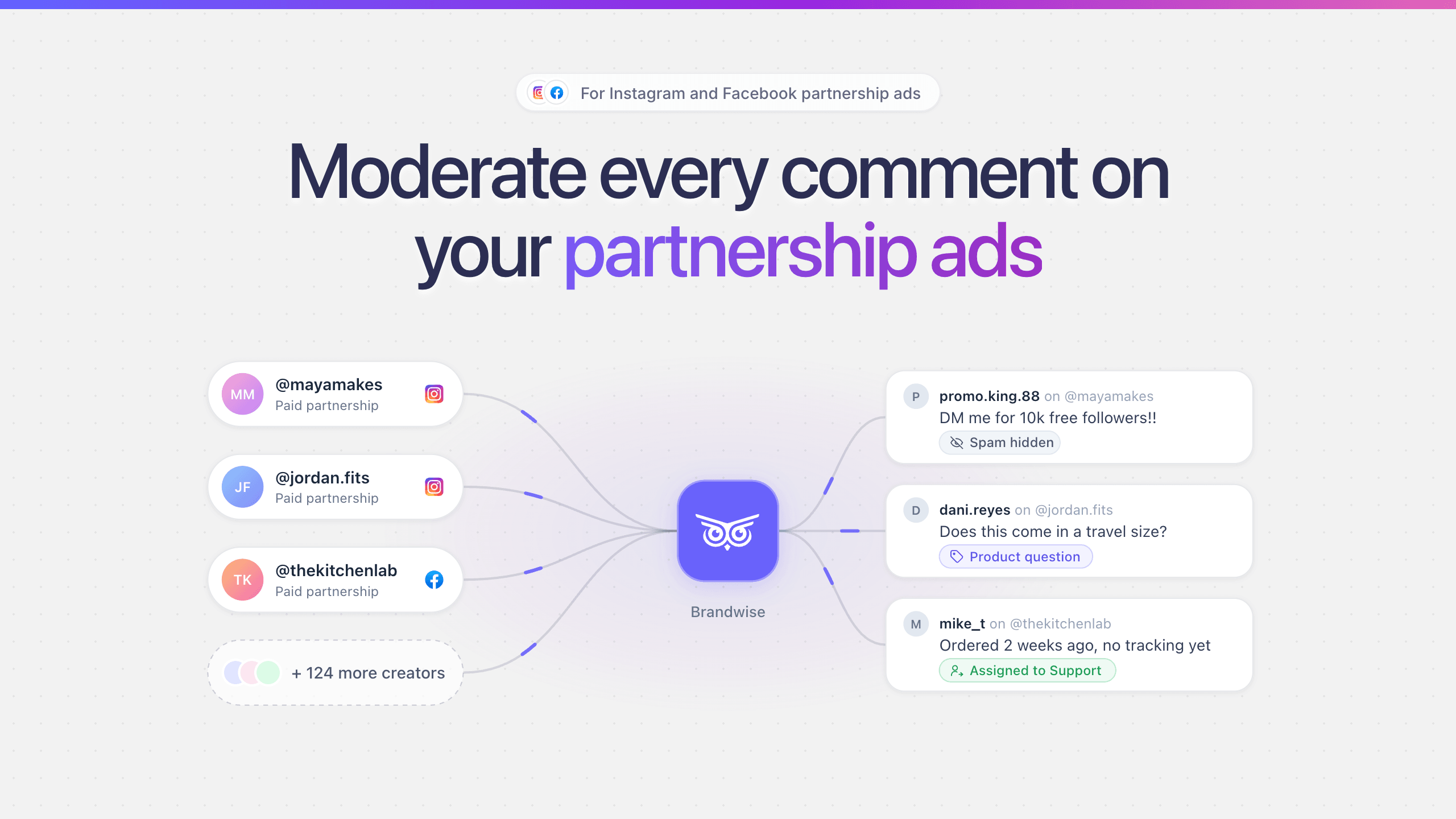
That's manageable with a few creators. With dozens, you need the creators connected to one moderation workflow. Brandwise does this for Instagram and Facebook partnership ads: each creator connects once from an invite link, comments from every creator's ads land in one inbox with your own, and one rule set hides spam and routes questions across all of them. The comment guide walks through the full operating model, including a sample clause for creator agreements.