What Happens When You Hide a Comment on Facebook?
See who can view a hidden Facebook comment, what happens to its replies, and when a business should hide, delete, report, or answer it.
Updated August 18, 2026

When you hide a comment on a Facebook Page, the comment remains visible to the person who wrote it and that person's friends, but it is hidden from everyone else. Replies to the comment are hidden too. You can unhide it later, delete it, report it, or block the account when a different response is more appropriate.
That makes hiding quieter and more reversible than deleting. It can be useful for spam, scams, abuse, or content that needs review. It should not be the default response to legitimate criticism or a customer asking for help.
Who can see a hidden Facebook comment?
For a comment you manually hide from a post on your Facebook Page:
- The commenter can still see it. Hiding does not remove the comment from the author's view.
- The commenter's friends may still see it. This is an important difference from Instagram's manual hide behavior.
- Everyone else cannot see it. The comment no longer appears publicly to the rest of the Page's audience.
- Replies are hidden with it. You can also hide an individual reply without hiding the original comment.
- Page managers can find it again. Facebook provides a Hidden by this Page view on supported devices, where the comment can be reviewed and unhidden.
These rules come from Meta's current Facebook Page comment-hiding guidance. They apply to comments on a Page, not every type of Facebook group, profile, ad, or third-party surface.
Does the person know you hid their comment?
Meta's current Page guidance does not say that Facebook sends the commenter a standard notification when you hide the comment. Because the comment remains visible to the author and their friends, the action may not be immediately obvious to them.
That is not a guarantee that hiding is undetectable. The author can check the post from another account, notice that people outside their friend group cannot see or engage with the comment, or learn about the action another way. Treat hiding as a moderation decision you should be able to explain—not as a secret way to silence a customer.
Hide vs. delete vs. report vs. reply
Choose the action based on the comment's intent and risk, not whether its tone is positive or negative.
| Action | What happens | Best used when | Important tradeoff |
|---|---|---|---|
| Hide | The author and their friends can still see the comment; everyone else cannot | Suspected spam, scams, abuse, or a comment awaiting review | The author may still believe the comment is public |
| Delete | Facebook removes the comment from the post | The content should not remain and a reversible hold is unnecessary | You lose the simple option to unhide it later |
| Report | Facebook reviews a possible violation of its rules | Threats, fraud, impersonation, hate, or other potential policy violations | Reporting does not guarantee that Facebook will remove it |
| Reply | The comment stays visible and receives a public answer | Product questions, fair criticism, or customer-service issues | Your team must follow through accurately and protect private information |
| Block | The account loses the ability to interact with the Page | Repeated abuse, scams, or other account-level risk | This is broader than handling one comment |
Facebook separately confirms that deleting removes a Page comment, while hiding limits who can see it. If a comment describes a real customer problem, a useful response is usually better than hiding it simply because it is negative.
How to hide and unhide a Page comment
Facebook's current computer flow is straightforward:
- Switch into the Facebook Page you manage.
- Open the post containing the comment.
- Open the options beside the comment.
- Select Hide comment.
To reverse the action:
- Open the post and its comments.
- Change the comment view from Most relevant to Hidden by this Page.
- Find the comment and select Unhide.
Meta notes that Page access matters. A person with Facebook access to the Page can hide comments after switching into the Page, while task access alone may not provide the same control. The Hidden by this Page view can also vary by device. Check Meta's linked instructions again if your team's permissions or interface do not match these steps.
What about automatically hidden comments?
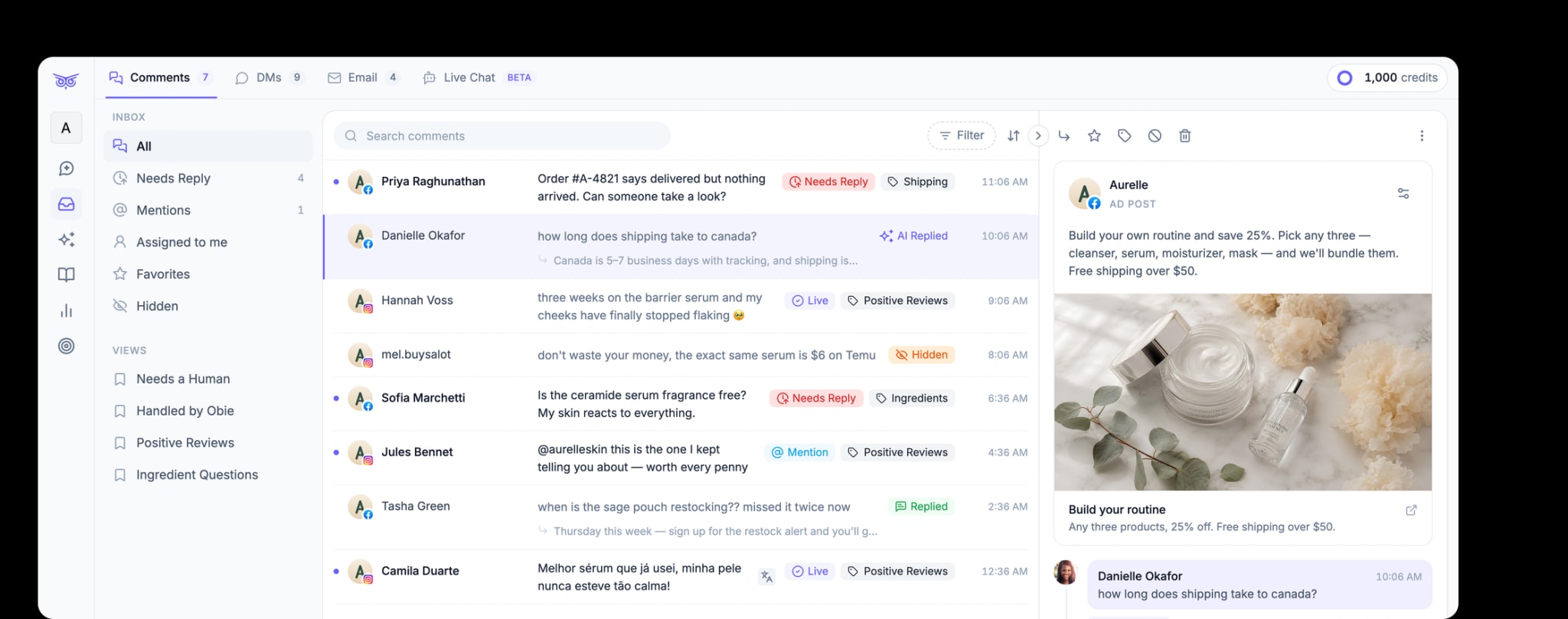
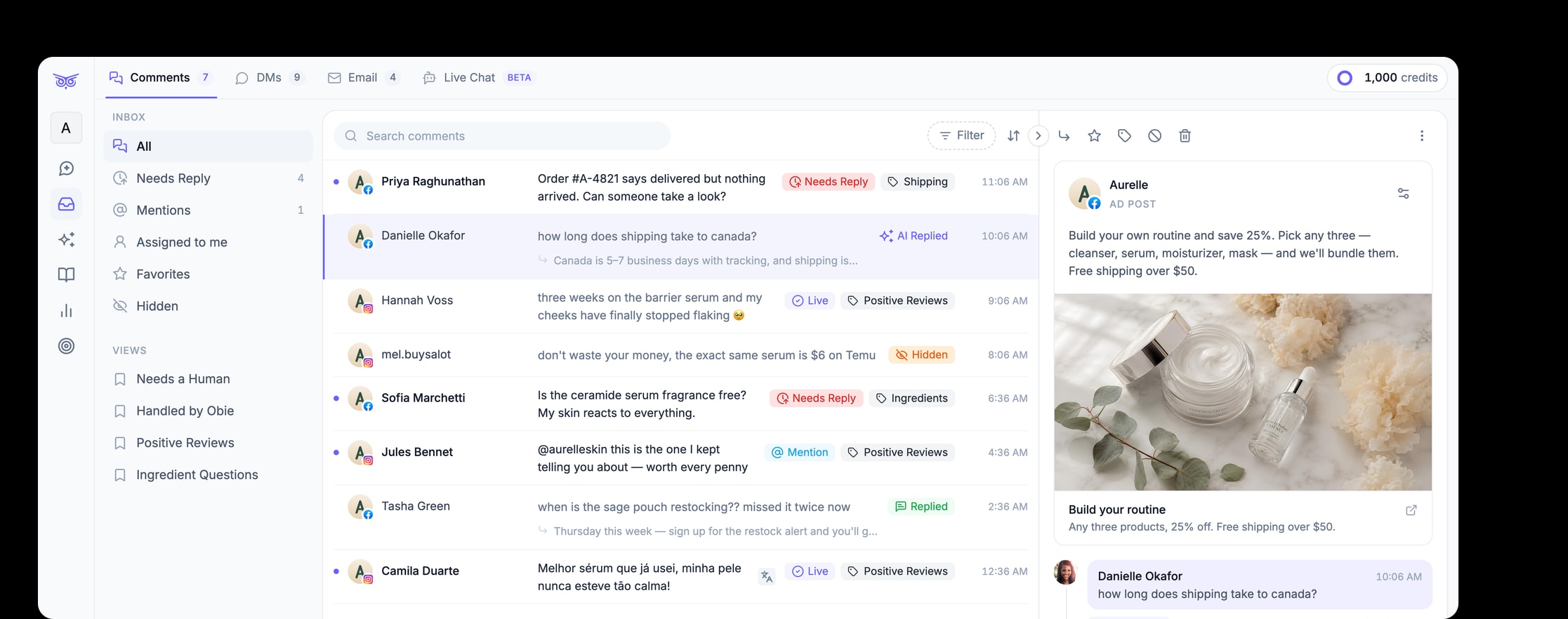
Facebook can also hide comments through Page moderation settings. Meta's profanity filter and blocked-word tools can place matching comments in the hidden view, and Moderation Assist can help Page managers apply criteria to incoming comments.
Those controls reduce manual work, but broad rules can hide legitimate messages. A keyword connected to scams may also appear in a real complaint. A profanity filter may catch harassment and a frustrated customer describing a serious problem. Review the context, not just the word that triggered the rule.
For a low-volume Page, native controls may be enough. For a brand handling comments across many paid and organic posts, repeatedly checking hidden queues and making every decision by hand becomes difficult to scale.
When a business should hide a Facebook comment
Hiding is generally reasonable when a comment contains or promotes:
- a phishing link, fake giveaway, or impersonation attempt;
- repetitive unsolicited promotion;
- harassment, slurs, or explicit abuse;
- dangerous or sensitive material that needs specialist review;
- a known spam pattern covered by the brand's moderation policy; or
- content that creates immediate risk while the team confirms the correct next step.
Use a consistent policy across posts and ads. Two similar comments should not receive opposite treatment simply because different team members happened to see them.
When not to hide a comment
Do not hide a comment only because it:
- criticizes the product or company;
- reports a late delivery, damaged order, or disappointing experience;
- asks a difficult question;
- disagrees with the post;
- contains a negative word without violating a rule; or
- would be inconvenient for other customers to read.
Publicly acknowledge legitimate issues when you can do so safely. Move order numbers, addresses, payment details, and other personal information to an approved private channel. Hiding an unresolved complaint may conceal a support problem without solving it.
A better approach when comment volume grows
The scalable goal is not to hide more comments. It is to take the right action quickly and consistently: hide obvious spam, answer useful questions, continue private cases in direct messages, and send sensitive situations to a person.
Brandwise social media management helps ecommerce teams automate that routine work across paid and organic social conversations. It can moderate comments, respond using approved brand information, manage direct messages, and keep people involved for uncertain or sensitive cases. Facebook's native controls remain the platform layer; Brandwise reduces the need for someone to discover and handle every routine comment manually.
If you are defining those rules for the first time, use the broader social media comment moderation guide to separate spam and abuse from criticism, support requests, and buying questions.
The key point is simple: hiding changes who can see a Facebook comment, but it does not solve the issue behind it. Use the action for a clear moderation reason, preserve legitimate customer conversations, and automate the repetitive decisions once manual review becomes the bottleneck.